
Domain spoofing explained: how anyone can send email as you
Receiving a scam email “from your own address” feels like a breach. Usually nothing was hacked - email’s 1980s design simply lets anyone write any sender address. Here is how spoofing works, what each side sees, and the one control that ends it.

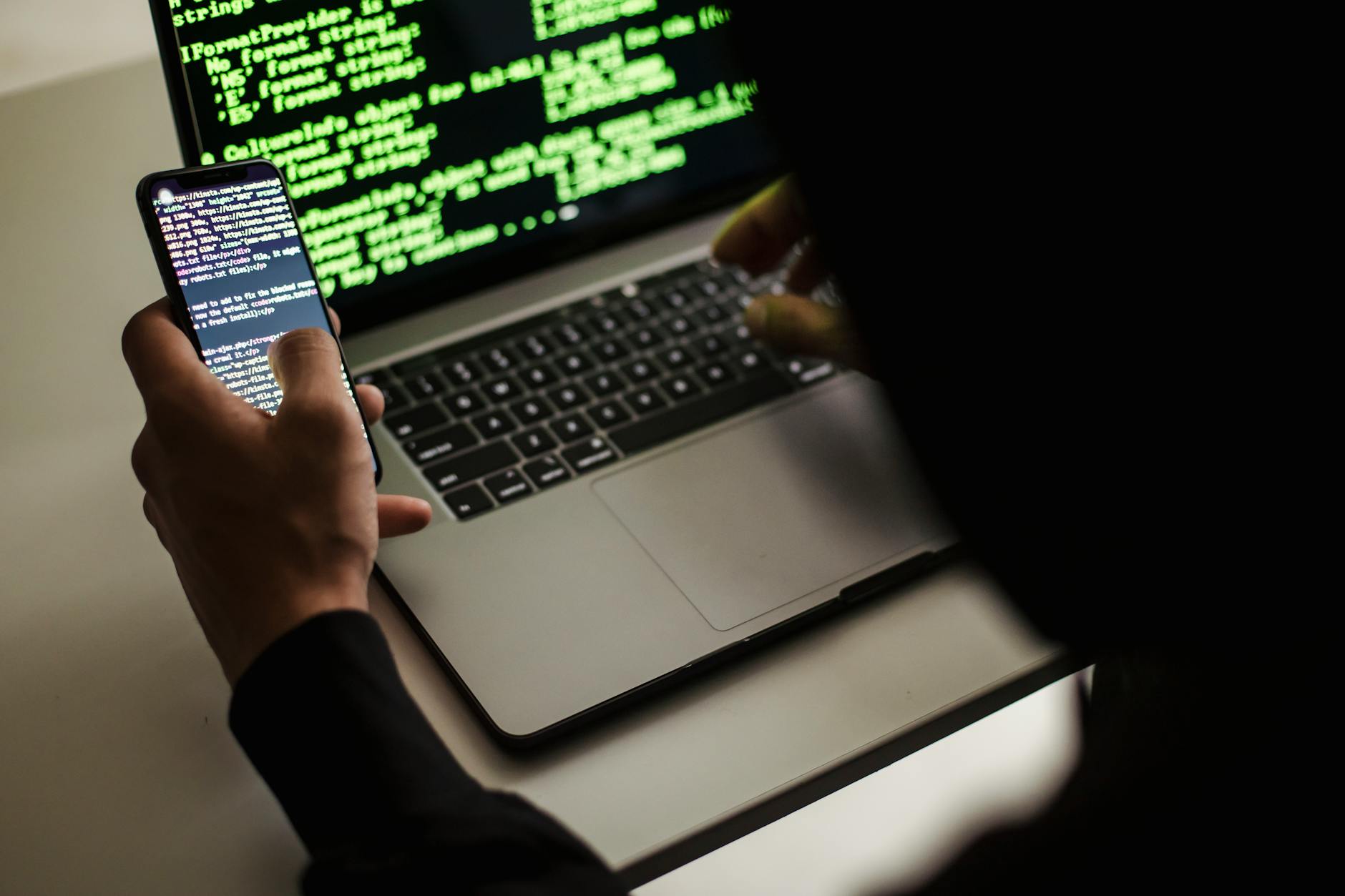
It is one of the more unsettling emails a business owner can receive: a message in the inbox apparently sent from their own address, or a call from a customer asking about an email “you” sent that you never wrote. The instinctive conclusion - we have been hacked - is usually wrong. Something simpler and stranger is happening: someone is writing your address on their envelopes, and email lets them.
This post explains domain spoofing in plain English: why it is possible at all, what the attacker actually does, what the victim sees, and how Domain-based Message Authentication, Reporting and Conformance (DMARC) brings it to an end.
Why email allows this
Email’s core delivery protocol was designed in the early 1980s for a small network of academic and research institutions that trusted each other. The From address on a message is, in that design, exactly like the sender’s name written on the back of a paper envelope: a claim, recorded as given, verified by nobody. The post office does not check that you are who the envelope says; neither, by default, does email.
Forty years later we conduct conveyancing, payroll and medical correspondence over the same protocol - and the sender line is still, absent modern controls, just handwriting on an envelope.
What the attacker actually does
Strikingly little. Spoofing the From address requires no access to your systems, no password, no malware - only a mail server willing to send messages with an arbitrary sender line, which is trivially available. The attacker composes a message, sets the From field to [email protected], and sends it to your customers, your suppliers or your own staff. Cost: effectively zero. Scale: unlimited. Skill required: minimal - this is commodity tooling, not elite hacking.
That economics is the whole story of why spoofing is so common. Of the three ways to impersonate a business by email - exact-domain spoofing, look-alike domains, and taking over a real mailbox (the full taxonomy is in Business email compromise: what UK firms need to know) - spoofing is the only one that is free. Criminals, like everyone else, start with the free option, and an unprotected domain is a free option permanently on offer.
What the victim sees
A message from your exact, correctly spelled address. Not a near-miss like yourbusness.co.uk that careful inspection would catch - the genuine string, indistinguishable in the sender line from your real mail. Combined with a plausible pretext (an invoice, a delivery note, a “we’ve updated our bank details”), the recipient’s usual defence - check the address carefully - has nothing to catch. The advice fails not because the recipient is careless but because the address is, literally, correct.
Mail providers’ filters catch some spoofed mail through other signals. Some. The rest is delivered, carrying your name and spending your reputation.
What the domain owner sees: nothing - unless they have asked
Here is spoofing’s quietest property: the spoofed mail never touches your systems. It travels from the attacker’s server to the victim’s provider directly. No log on your side records it; no alert fires; your IT supplier, looking at your infrastructure, truthfully reports nothing wrong. Businesses typically discover spoofing through embarrassment - a customer’s phone call, a complaint, a fraud.
Unless they have asked to be told. This is exactly what DMARC’s reporting half does: receiving providers around the world send daily aggregate reports to an address you publish, describing every message they saw claiming to be from your domain - including all the ones you never sent. Many organisations switch on reporting and discover, in the first month, that spoofing of their domain was already routine. The reports contain no message content, just sources and authentication results; reading them is covered in What does a DMARC report actually show?.
How DMARC ends it
The other half of DMARC is the instruction. Authentication standards (SPF and DKIM) give receiving servers the means to verify whether a message genuinely came from your domain’s authorised senders; DMARC ties that verification to the visible From address and tells receivers what to do when it fails. At p=reject - the enforcement level the National Cyber Security Centre recommends for all UK domains - the answer is: refuse it.
From that point, the attacker’s free option is gone. They can still write your address on the envelope; the world’s mailrooms now check the handwriting and bin the forgery before any recipient sees it. Spoofed mail claiming your exact domain stops arriving - at every Gmail, Microsoft and Yahoo inbox on earth - on the strength of one DNS record you control.
Honest boundaries, as ever: enforcement protects your exact domain. Look-alike domains and compromised mailboxes are different attacks with different defences, and getting safely to p=reject is a staged journey, not a single switch - the route is mapped in Getting to DMARC p=reject, and the foundations in What is DMARC?.
Is your name currently borrowable?
Whether your domain permits spoofing is public information - your DMARC policy, or its absence, is visible to anyone who checks, and criminals selecting targets do check. SealedMail’s Free Domain Health Check shows you what they would find: your SPF, DKIM, DMARC, MTA-STS, TLS-RPT, BIMI and blacklist status, scored and explained in plain English, by email, free, with no sign-up. And if the answer is “borrowable” - as it is for most domains we check - you will also know exactly what fixing it involves.
Related reading
- What is DMARC? A plain-English guide
- What is SPF?
- Business email compromise: what UK firms need to know
Sources and further reading

Founder of SealedMail and a UK email-security specialist in DMARC, SPF, DKIM and email authentication for regulated sectors. He personally reads the DMARC and TLS reports behind every SealedMail account and writes the company's plain-English guides. More from Shaun Cooke →
