
BIMI: Your Logo in the Inbox, But Fix This First
BIMI puts your logo in the inbox, but only once your email authentication is right. Here is what to fix first.

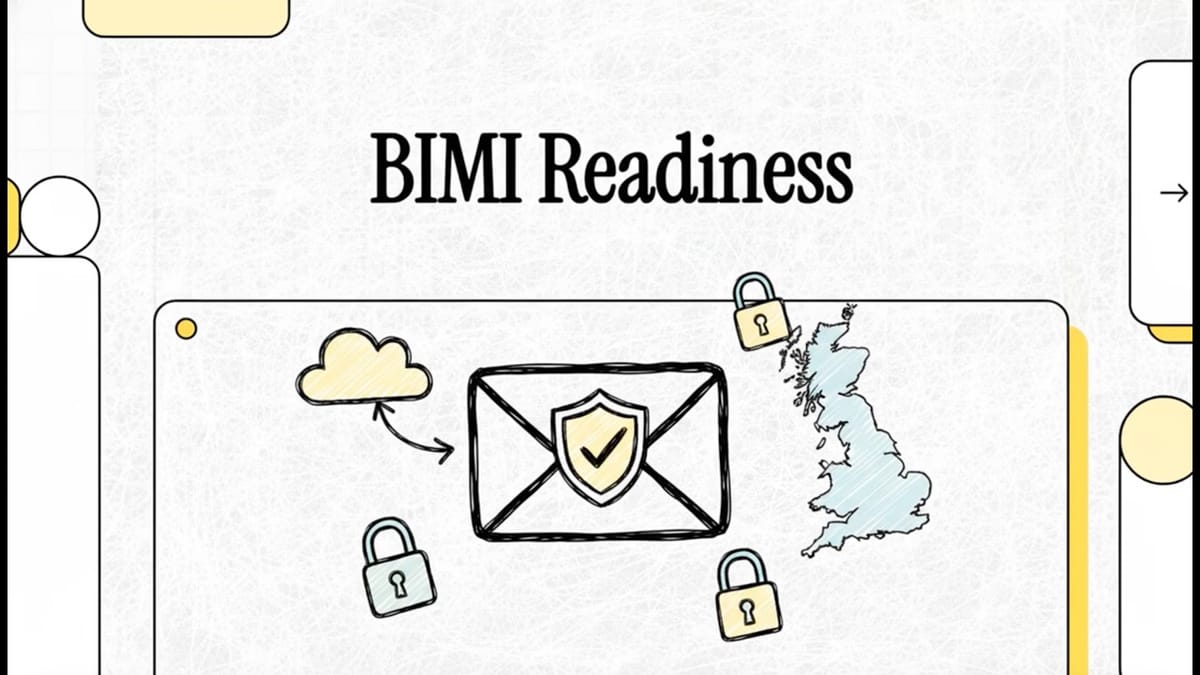
BIMI is the standard that displays your verified logo next to your emails in supporting inboxes, a visible mark of trust. The catch is that it only works once your underlying email authentication is fully in place.
What this short video covers
- What BIMI is and where your logo appears
- Why BIMI requires DMARC at enforcement before it will show
- What a Verified Mark Certificate is and when you need one
- How a correct logo file and DNS record fit together
- Why BIMI is a reward for getting authentication right, not a shortcut
BIMI lets supporting email clients show your brand logo beside your messages, which builds recognition and trust and helps your mail stand out from impersonators. But inboxes will only display it once they can verify that your email is genuinely authenticated, which means DMARC has to be set to a policy of quarantine or reject.
So the order matters: get SPF, DKIM and DMARC right and enforcing first, then add BIMI on top, often with a Verified Mark Certificate that proves you own the logo. Done in the wrong order, BIMI simply will not appear. Done right, it is the visible payoff for protecting your domain properly.
Start your free health checkSubscribe for £39 per domain, per month

Founder of SealedMail and a UK email-security specialist in DMARC, SPF, DKIM and email authentication for regulated sectors. He personally reads the DMARC and TLS reports behind every SealedMail account and writes the company's plain-English guides. More from Shaun Cooke →
